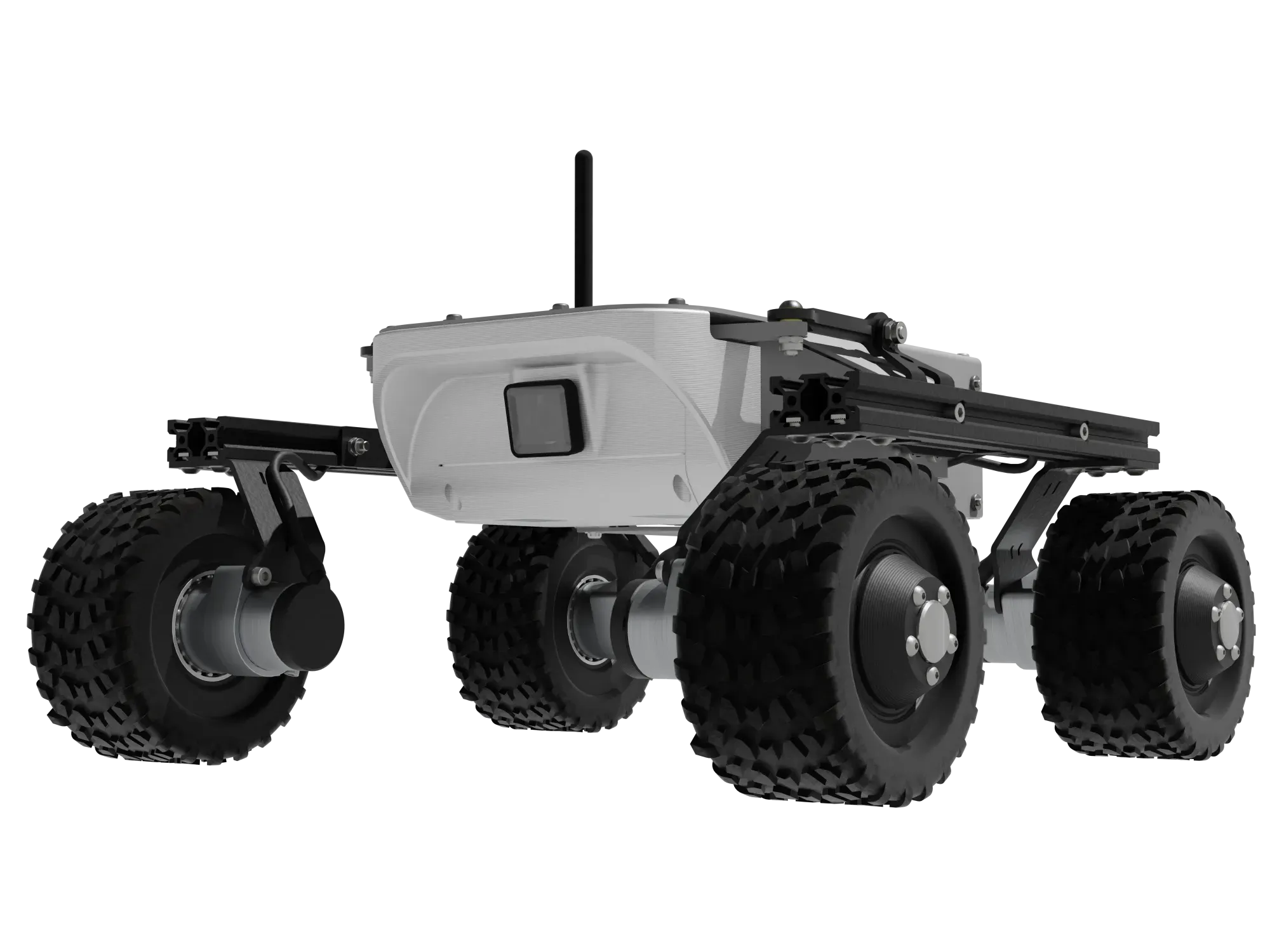
Gazebo Simulation for Mobile Robots
In this tutorial you will learn how to launch a Gazebo simulation with the Leo Rover robot model.
What to expect?
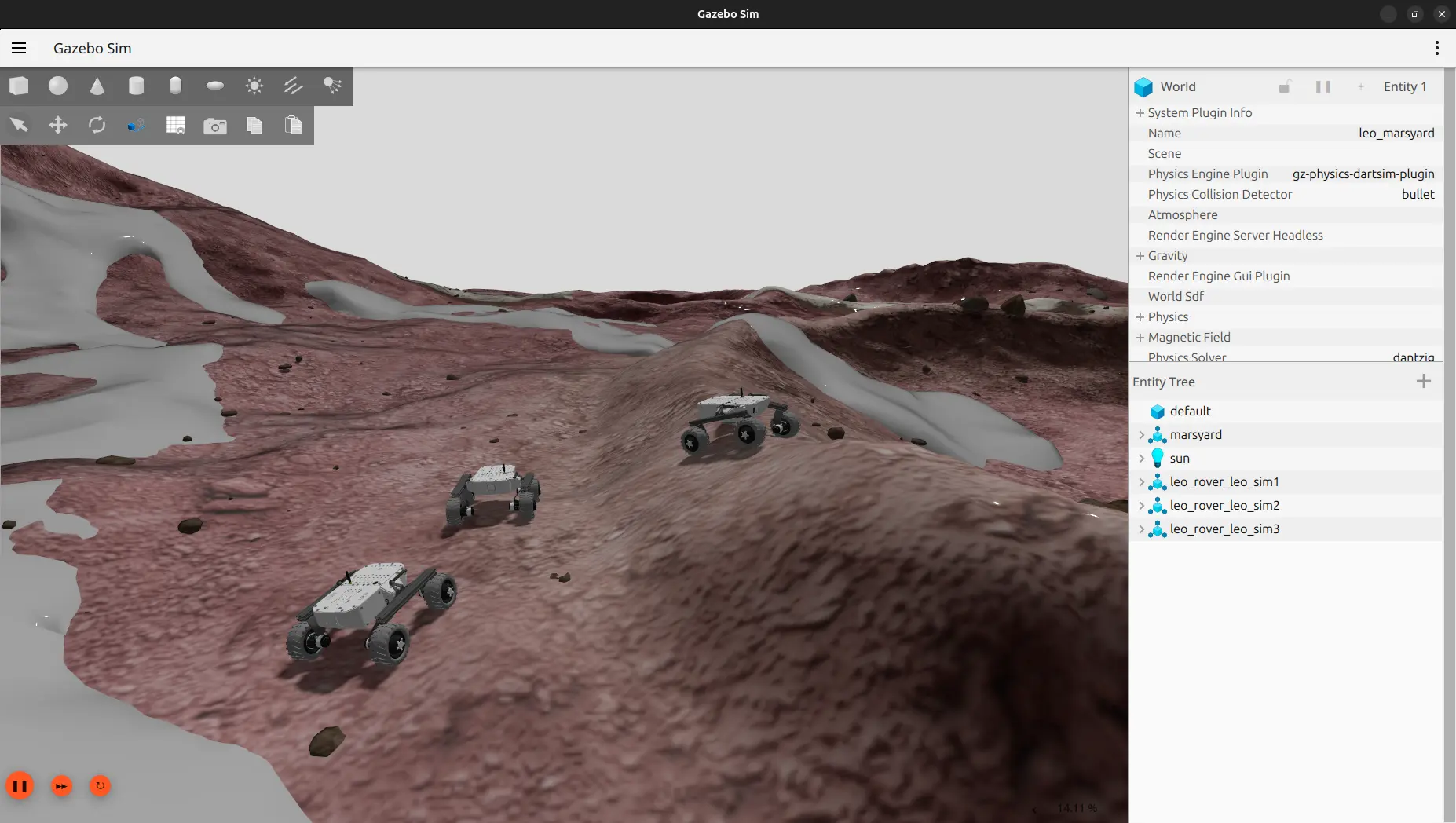
After completing this guide, you will have a fully simulated Leo Rover running in Gazebo that behaves just like the real one. The simulated rover publishes camera images, IMU readings and odometry, and can be driven either by publishing velocity commands or with a joystick. You can spawn multiple rovers and choose from several worlds.
The following new topics are available after running the simulation (single robot with global namespace):
/camera/camera_info
/camera/image_raw
/camera/image_raw/compressed
/clock
/cmd_vel
/imu/data_raw
/joint_states
/odom
/robot_description
/tf
/tf_static
Prerequisites
The simulation requires ROS (Robot Operating System) and was mainly developed
and tested with
ROS Jazzy Jalisco
distribution on Ubuntu 24.04 Noble Numbat
Other distributions might not work properly so it is recommended to use the same setup.
The guide will refer to the distribution of your choice (for example humble or
jazzy) as <distro>.
Software integration
You can easily install the required packages with this command:
sudo apt install ros-${ROS_DISTRO}-leo-simulator
Alternatively, you can build the packages from source by following the instructions here.
Example usage
Make sure your ROS environment is properly sourced. Source either the global workspace:
source /opt/ros/<distro>/setup.bash
or your local workspace if you have one:
source install/setup.bash
and make sure it's sourced on each terminal session you want to use the simulation on.
To start the simulation and gazebo GUI, type:
ros2 launch leo_gz_bringup leo_gz.launch.py
This command will start an empty world with a rover in global namespace.
You can use launch arguments to specify the ROS namespace that the simulated robot will be in and the world that is going to launch (to see available choices refer to leo_gz_worlds package). For example you can launch simulation of an ERC 2021 competition terrain and put the robot inside a namespace like this:
ros2 launch leo_gz_bringup leo_gz.launch.py sim_world:=marsyard2021.sdf robot_ns:=leo_sim1
If you want to simulate multiple rovers, you can add another robot to an already running gazebo world. In another terminal where ROS has been sourced type:
ros2 launch leo_gz_bringup spawn_robot.launch.py robot_ns:=leo_sim2
Now you can operate the simulated robots in the same way as the real one. You
can use ros2 topic echo command to get info from the robots, and
ros2 topic pub to operate it. For example with such command robot will start
driving forward:
ros2 topic pub /leo_sim1/cmd_vel geometry_msgs/msg/Twist "{linear: {x: 0.2, y: 0.0, z: 0.0}, angular: {x: 0.0, y: 0.0, z: 0.0}}" -r 20
You can also control the rover using joystick. To do so you need leo-teleop
package:
sudo apt install ros-${ROS_DISTRO}-leo-teleop
To operate the rover with joystick, you need to connect a controller to your computer and run:
ros2 launch leo_teleop joy_teleop.launch.xml cmd_vel_out:=/leo_sim1/cmd_vel
You can choose which rover to operate with the joystick by providing correct
namespace for the argument cmd_vel_out. In the example it's leo_sim1. If no
namespace for the argument cmd_vel_out is provided, the node will use the
default namespace and topic - /cmd_vel.
The command mapping was set for the Xbox 360 controller and looks like this:
| Xbox 360 Controller | Command |
|---|---|
| RB | button enable - hold it to send commands |
| Left joystick Up/Down | linear velocity |
| Right joystick Left/Right | angular velocity |
What's next?
Did you like Leo Rover in simulation? If so, consider switching to the physical robot: